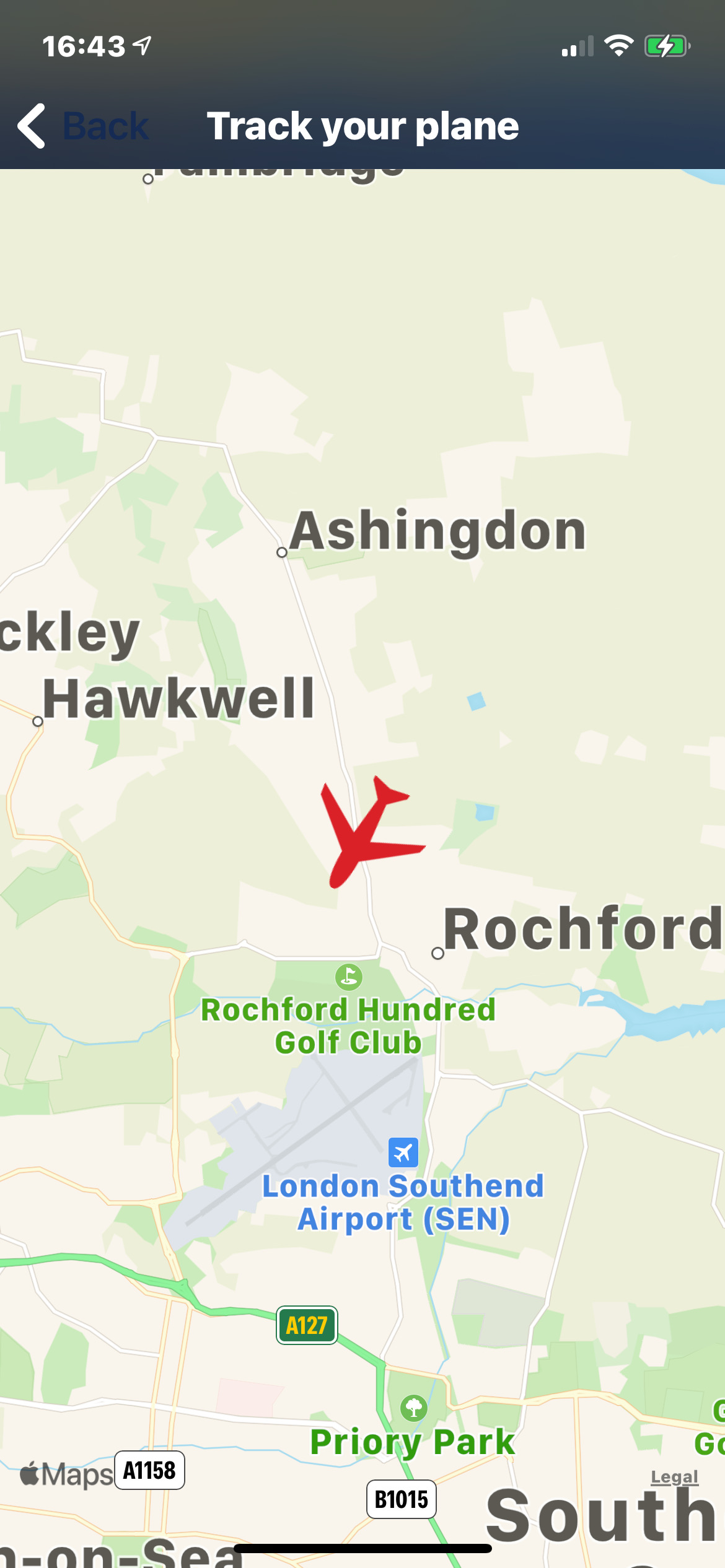
If you own Microsoft Flight Simualator or Prepar3d then all you need as an add-on is FSXFollow. With the latest upgrade, you have loads of functions, from tracking your plane and controlling it through your iPad or iPhone.
All you need is your installed copy of Flight Sim World, Flight Simulator X, Flight Simulator 2004 or X-Plane, the free PC download and internet access. That’s it. Those things plus FSXFollow and you can embrace your inner pilot to the fullest and from another room.
Look at some of the exciting features you get in FSXFollow:
- Easy-to-use interface
- Universal app – works on iPhone, iPod touch, iPad
- Connects to FSW, FSX, FS2004 and X-Plane
- PC Client provided free (see www.fsxfollow.com)
- Map supports drag to pan and pinch to zoom
- VORs and NDBs visible on Map
- Control your plane from your device, deploy the gear, set the radio, adjust the flaps and many more controls
- Ask the CoPilot questions about your flight
- Get real time weather information
- Receive notifications about your flight
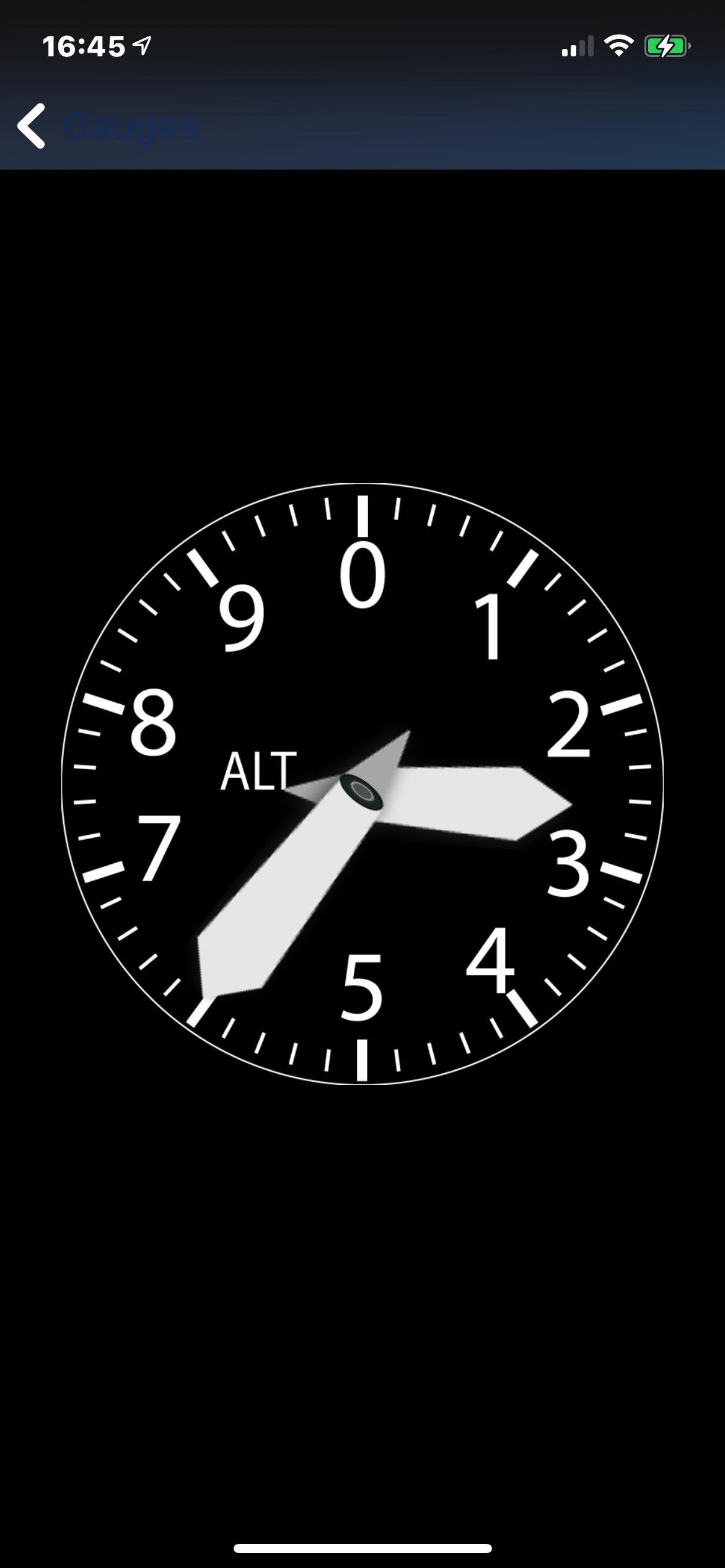
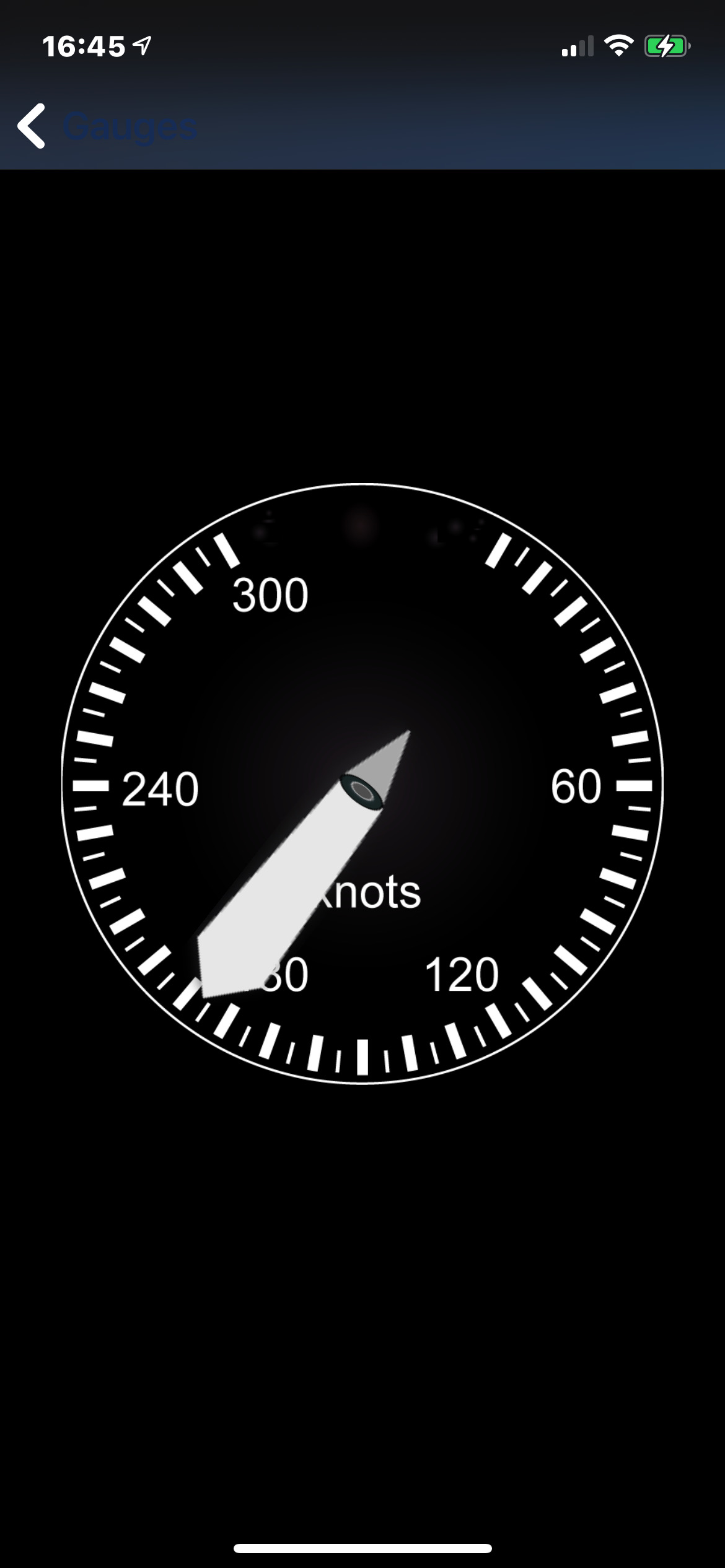
- Use the App as a second screen using the build in gauges, Altitude, Speed, Direction, Climb and Turn
- Use the Radar screen to orientate yourself, airports and AI traffic are displayed as well
- Initiate failures to show how good you can handle the plane in case of emergency
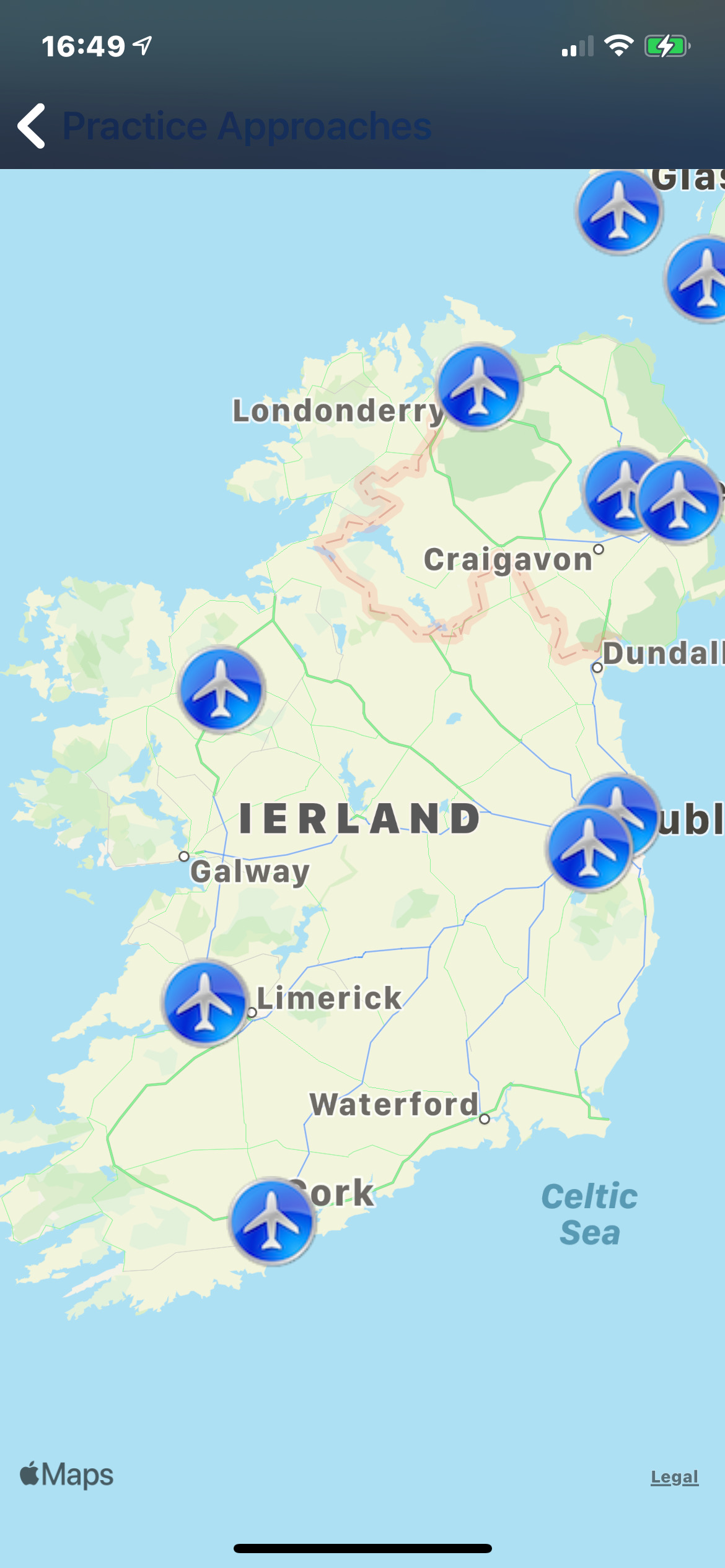
- Practice Approaches but choosing an airport from the map. Gear, Radios and Flap are configured for landing
- Built in height map for awareness if you fly through mountains
- View your detailed flight plan
- Control your plane with your fingers or pencil
- Follow your flight on the go. Not limited to home network only
- Option to save an incoming screenshot
- Route is shown as a line on the map
- Database of 24000 Airports with runway data
- Animation of Approach of every runway in FSX
- Option to publish a screenshot
- Easy setup, no entering of ip address required
- No local network needed
- Support for Elgato Stream Deck
- Option to transfer screenshots to your iPad, iPhone and iTouch (FSX only).
- Option to automatically snap to optimal zoom level
- Free updates and additional features as they become available
- Personalized and friendly customer support via email
Come and grab your slice of freedom. Download FSXFollow now and watch from anywhere as your iDevice turns into a moving map for your simulated flight route.
Have a great flight!
Choose your own flight or track a fligt from fellow pilots
Track your flight on a 2d or 3d map, or even in Augmented Reality
Use the App as a second display and use several gauges
Use the App as a second display and use several gauges
Practice approaches by choosing an airport from the map, or a random airport
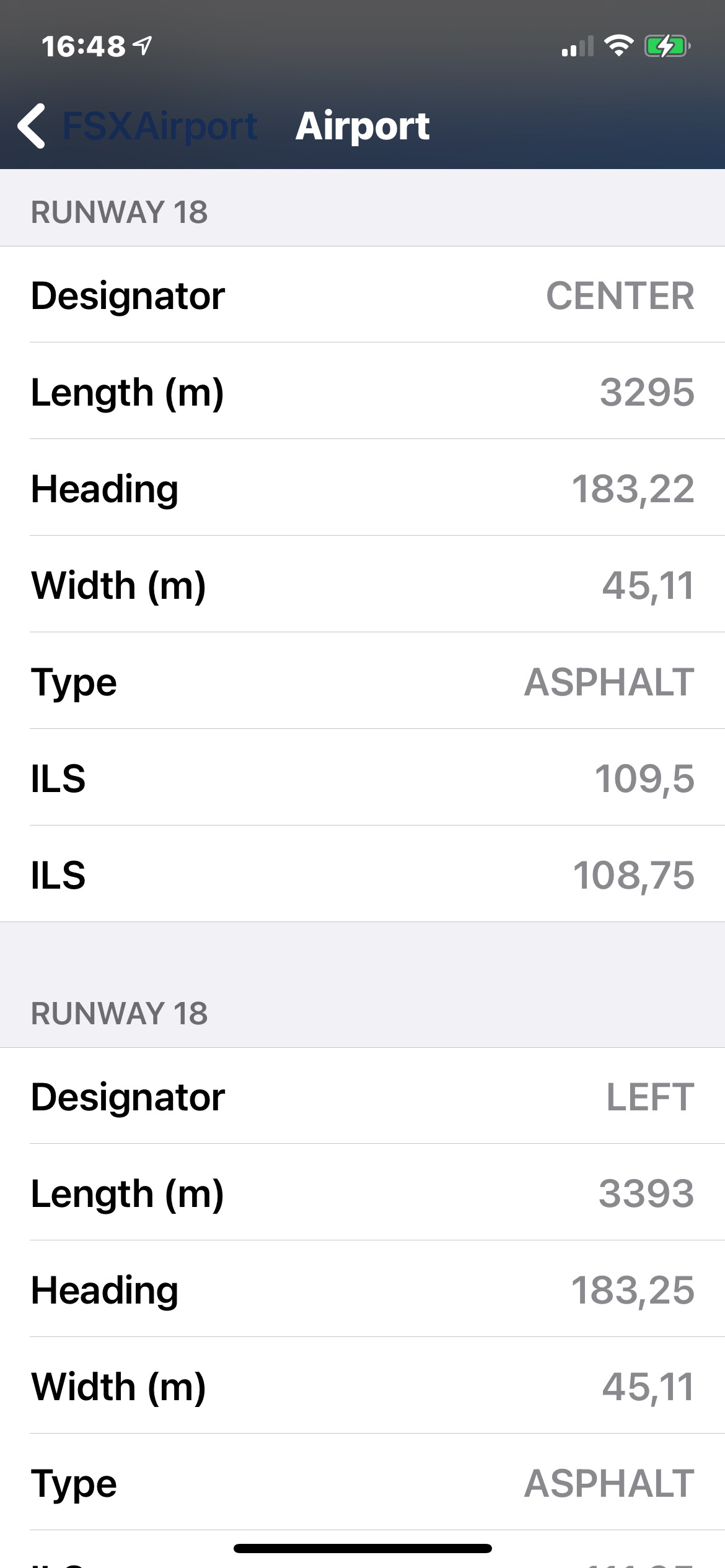
FSXFollow has an extensive database of Airports, including runway information
 All you need is your installed copy of Flight Simulator 2020, Flight Sim World, Flight Simulator X, Flight Simulator 2004 or X-Plane, the free PC download and internet access. That’s it. Those things plus FSXFollow and you can embrace your inner pilot to the fullest and from another room.
Troubleshooting
- Some things in FSXFollow are not working as expected, what should I do?
- That's unfortunate, but we're here to help. Send us a message, and we'll try to solve the issue.
Technology
- How does FSXFollow work?
- FSXFollow clients communicates through the cloud with FSXFollow on your iDevice
- Who created FSXFollow?
- FSXFollow is developed and maintained by PositionGames
- When was FSXFollow released?
- FSXFollow first release was in 2009, the first flight tracker for iOS